
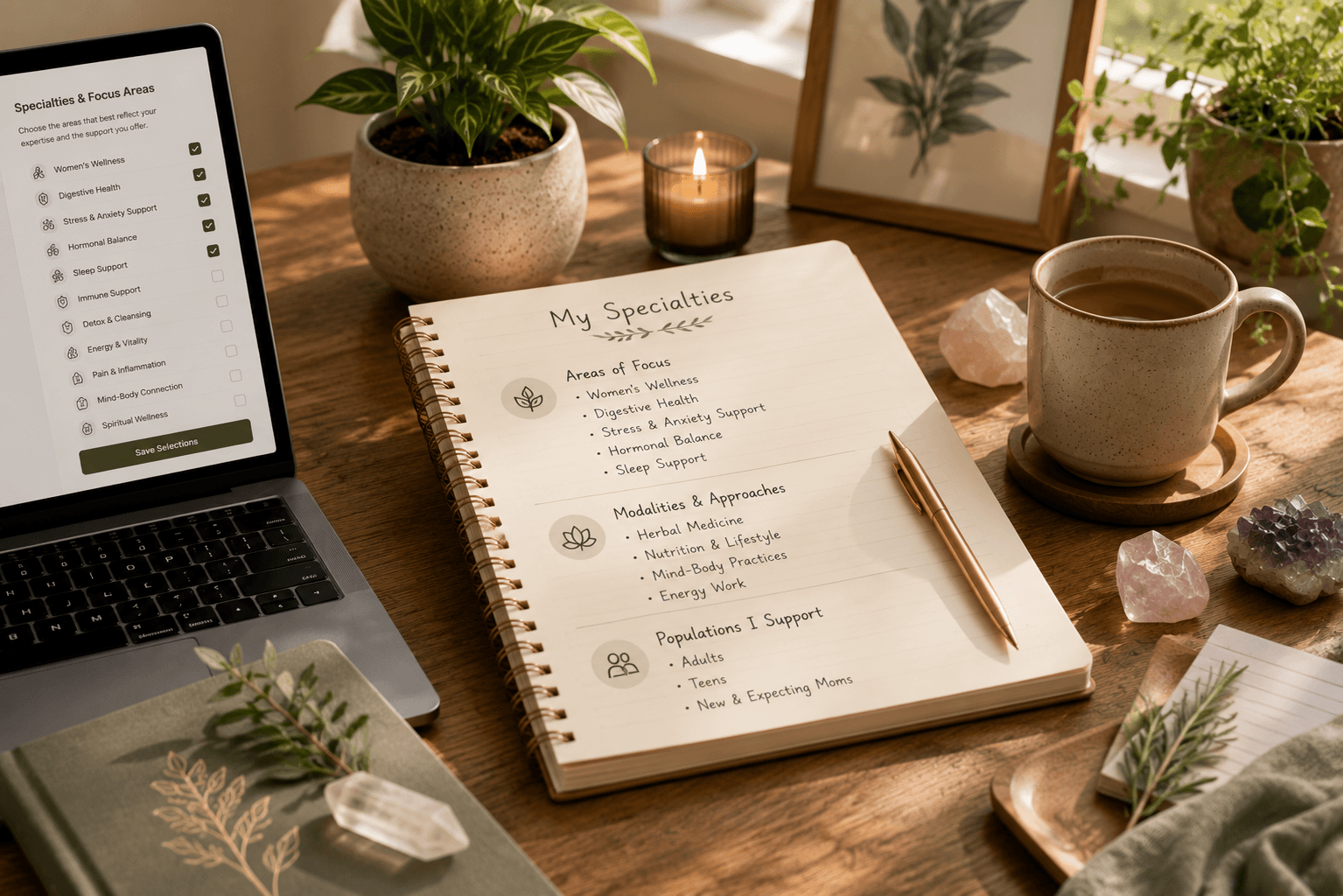
Your specialties help clients quickly understand what you offer and whether your practice may be a good fit for their wellness goals. Choosing them thoughtfully creates better expectations, stronger matches, and more meaningful conversations.
Rather than selecting every available option, focus on the areas where you have genuine experience, confidence, and a desire to work with clients.
Why Your Specialties Matter
Specialties are one of the first things clients notice while exploring practitioners. They help explain your focus before someone ever reads your biography or starts a conversation.
Clear specialties also help Rooted Vitality introduce your profile to clients whose interests and wellness goals better align with your practice.
Represent Your Practice Accurately
Choose specialties that genuinely reflect your education, experience, certifications, and current services. Clients should feel confident that the specialties on your profile accurately represent the support you provide.
- Select specialties you actively practice.
- Only include services you feel confident providing.
- Keep your profile aligned with your qualifications.
- Review local licensing or regulatory requirements when applicable.
Think Like a Client
Imagine someone visiting your profile for the first time. They may know very little about holistic wellness and simply want to know, "Can this practitioner help someone like me?"
Choosing specialties that are specific, accurate, and easy to understand helps clients answer that question more confidently.
Review Your Specialties Regularly
Your practice will naturally evolve over time. As you gain new experience, complete additional education, or decide to focus on different areas, revisit your specialties to keep your profile current.
Keeping your specialties updated ensures clients always see the most accurate representation of your practice.
Quality Over Quantity
A focused profile often creates stronger client confidence than one with a long list of unrelated specialties. Thoughtful selections help people understand your strengths and the type of support you enjoy providing most.
The goal is not to appear in every search. The goal is to appear in the right searches where your experience aligns with the client's needs.
Key Takeaways
- Choose specialties that accurately represent your practice.
- Focus on your real experience and qualifications.
- Help clients quickly understand who you support.
- Review your specialties as your practice grows.
- Thoughtful selections often create stronger client confidence.