Managing your practice well is not only about staying busy. It is about creating a clear, reliable experience for the people who reach out to you for support.
Rooted Vitality helps clients discover practitioners, learn about their approach, and begin conversations. From there, the experience you create through communication, organization, and follow-through plays a major role in building trust.
Staying organized
Organization helps you respond with more confidence and less stress. When new connections, client messages, profile updates, and follow-up tasks are handled consistently, your practice feels more professional and easier to manage.
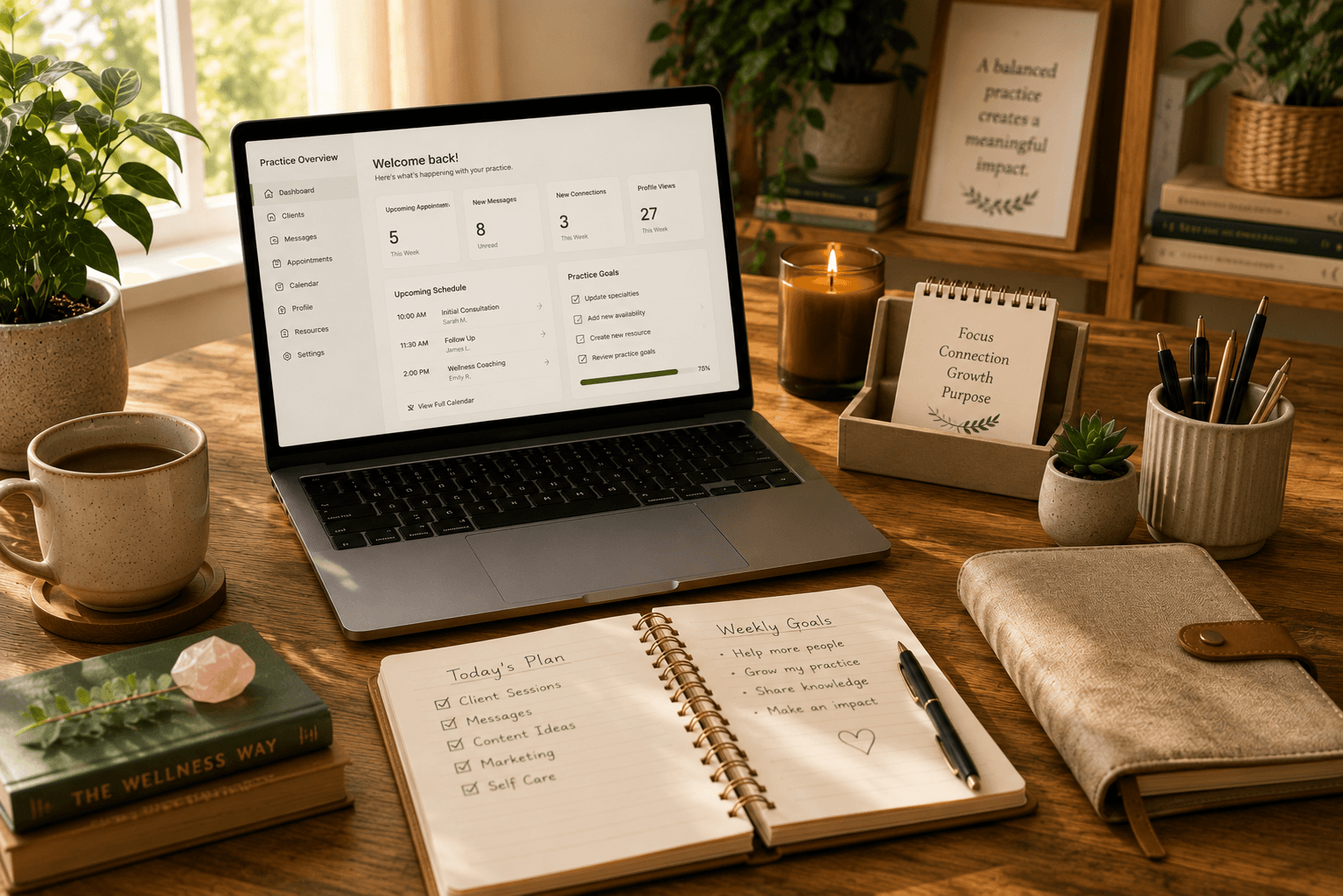
A simple rhythm can make a meaningful difference. Check your dashboard regularly, review new activity, and keep track of any conversations that need a response or next step.
- Review your dashboard on a regular schedule
- Keep track of open client conversations
- Make note of follow-up tasks
- Respond before messages begin to pile up
Responding consistently
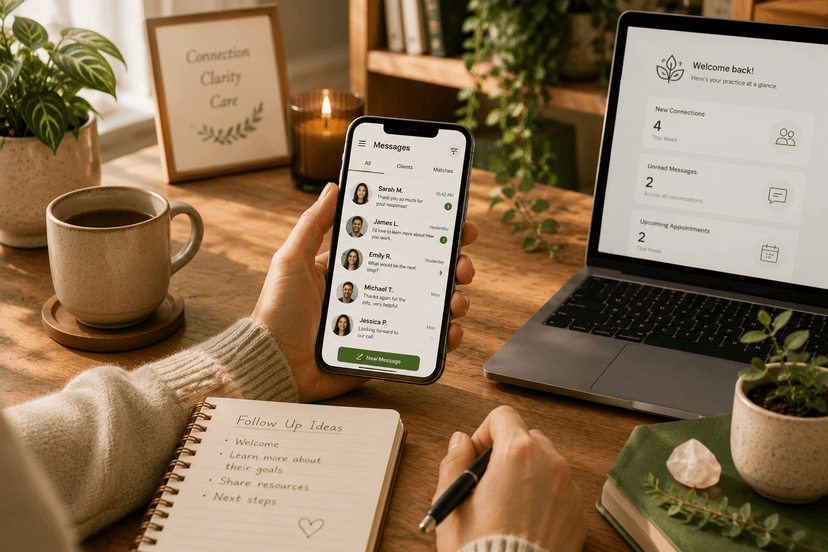
Consistent communication helps clients feel respected. Many people reaching out through Rooted Vitality are exploring support for something personal, emotional, or important to their well-being. A timely response can help them feel more comfortable taking the next step.
You do not need to be available at all times. What matters most is setting a realistic communication rhythm and following through as consistently as possible.
- Respond to new messages as soon as reasonably possible
- Let clients know when they can expect to hear from you
- Use warm, clear language
- Follow up when you said you would
Keeping information current
Your profile helps clients understand who you are, what you offer, and whether your approach feels aligned with their needs. Outdated information can create confusion or cause clients to reach out with expectations that no longer match your practice.
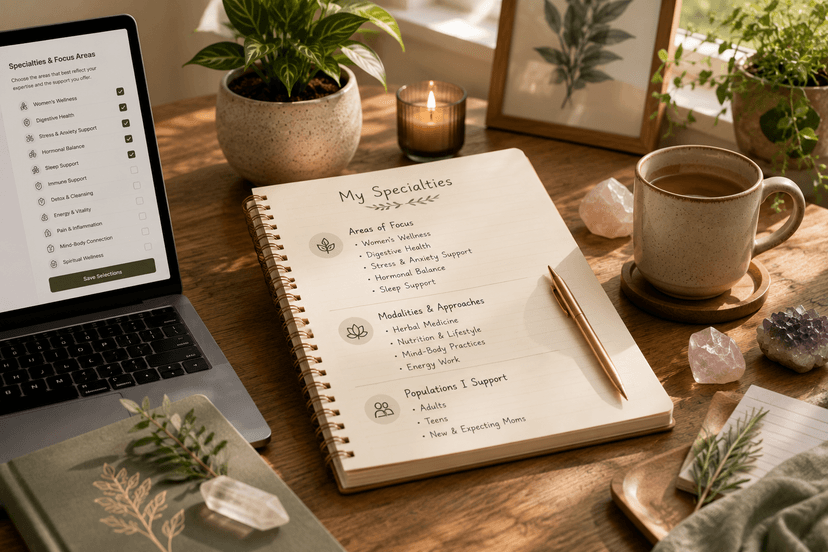
Review your profile regularly to make sure your specialties, services, location, virtual availability, photo, bio, and practice details still reflect your current work.
- Update your specialties when your focus changes
- Keep your services and availability accurate
- Refresh your bio when your practice evolves
- Make sure your contact and location details are current
Creating a great client experience
A great client experience begins before a formal working relationship starts. It begins with how easy it is to understand your profile, how thoughtfully you respond, and how clearly you explain the next step.
Clients are often looking for more than credentials. They are also looking for clarity, comfort, and a sense that the practitioner they choose understands their goals.
Small details can shape the experience: a clear introduction, a respectful tone, organized follow-up, and simple explanations of how your process works.
Building sustainable habits
Your Rooted Vitality presence should support your practice, not add unnecessary pressure. Sustainable habits help you stay active and responsive without feeling like you need to constantly manage every detail.
Consider setting aside a few regular times each week to review your dashboard, respond to messages, update profile details, and reflect on whether your current settings match the clients you want to support.
- Choose a regular time to review your dashboard
- Update your profile before busy seasons or service changes
- Use simple response templates when helpful
- Pause or adjust your availability when needed
Key Takeaways
- A well-managed practice creates a clearer, more trustworthy client experience.
- Consistent responses help clients feel respected and supported.
- Keeping your profile current helps attract better-aligned connections.
- Clear next steps make it easier for clients to continue the conversation.
- Sustainable habits help you stay organized without adding unnecessary stress.